The Project
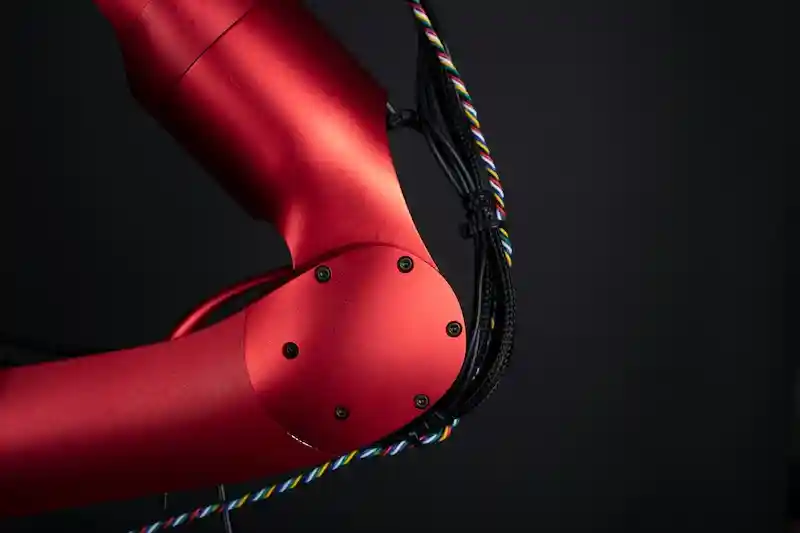
The goal of this project was to design a system that can securely hold and transport a surgical instrument to an autoclave for sterilization. The project was split into two sub-teams: the computing sub-team, responsible for designing the program to interact with the Q-Arm, and the modeling sub-team, responsible for designing the container that houses the surgical tool.
My Role
I worked as the team manager on the computing sub-team and implemented the movement functions in a Python-based virtual environment. This was one of the first projects in the engineering program and, while not overly complex, it included some noteworthy functions that required programming skills, mathematical knowledge, and an understanding of the hardware.
Designing the Program
Rotate Base
The rotate base function was crucial for the program. The goal was to convert digital potentiometer inputs into 1-to-1 movement of the arm.
Initially, the function used the Q-Arm library function rotate_base(deg), but this built-in function made movements based on a relative angle, changing with each call. Instead, we used the alternative function move_arm(x, y, z), which allows for coordinate-based movement.
To achieve the desired movement, the function converts potentiometer inputs into direct motion of the Q-Arm. By relating the desired path of the arm to a circle, we can use the equation:
where is the radius of the circle. The three coordinates required for the move_arm(x, y, z) function can now be calculated using this general formula, with remaining constant.
def rotate_base(colour):
    stop = False
    while stop == False:
        value = potentiometer.right()
        if value >= 0.5:
            x = 0.406-(.406*((value-0.5)/0.25))
            y = ((.406**2)-(x**2))**.5
            arm.move_arm(x, y, 0.483)
        else:
            x = 0.406-(.406*((((0.5-value)+0.5)-.5)/0.25))
            y = -(((.406**2)-(x**2))**.5)
            arm.move_arm(x, y, 0.483)

        if (colour == "red") and arm.check_autoclave("red")==True:
            stop = True
        elif (colour == "green") and arm.check_autoclave("green")==True:
            stop = True
        elif (colour == "blue") and arm.check_autoclave("blue")==True:
            stop = True
Dictionaries
Early in the design process, I decided to incorporate dictionaries into the program due to the extensive variable information required and its dependency on individual objects. Using dictionaries made the program more concise and easier to read.
ObjectInfo = {
    1: ["red", "small", (0.0, -0.56, 0.296), 40],
    2: ["green", "small", (-0.552, 0.18, 0.296), 40],
    3: ["blue", "small", (0.0, 0.56, 0.296), 40],
    4: ["red", "large", (0.0, -0.323, 0.166), 30],
    5: ["green", "large", (-0.364, 0.118, 0.166), 30],
    6: ["blue", "large", (-0.0 , 0.323, 0.166), 30]
}